How to Use AI to Write Better Emails
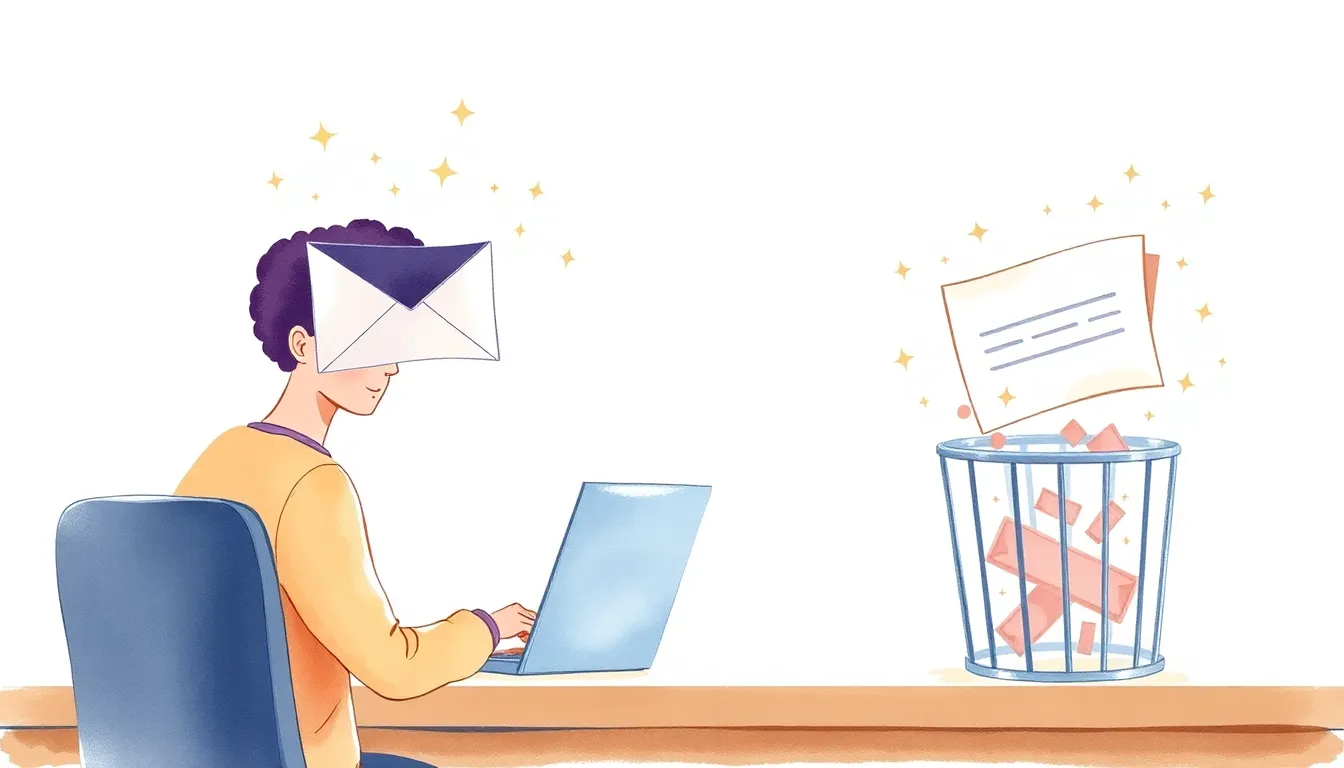
We all spend a ton of time writing emails. Finding the right tone, not sounding too formal or too casual, making sure the message is clear… AI can help you write better emails in half the time.
The Quick Draft
Instead of staring at a blank screen for 15 minutes, give the AI context: “Write an email to my boss asking for a day off next Friday. Professional but not stiff. In English.” In 10 seconds, you have a solid draft. Then you edit it—it’s always faster to revise than to start from scratch.
The Right Tone
Nervous about the tone of an email you’ve written? Paste it and ask: “Does this sound angry, passive-aggressive, or apologetic?” The AI will tell you honestly. You can adjust before you hit send.
The Difficult Conversation
If you need to deliver bad news or push back on something, use AI to draft a version that’s direct but respectful. It’s especially helpful when you’re emotionally invested in the email and can’t see how it might land.
The Result
You’re not writing fewer emails. You’re spending less time on each one, and the ones you write are clearer and more effective. That’s a massive time saver when you’re dealing with dozens of emails a day.